Sample multiplayer code
To load your sample code into Glitch:
Create a glitch account
Create a new project of type "glitch-hello-node"
Drag the codemulti.zip file to the assets folder inside your glitch project. Then click on the file to grab the Glitch URL to that file. You'll need this URL in step #5.2
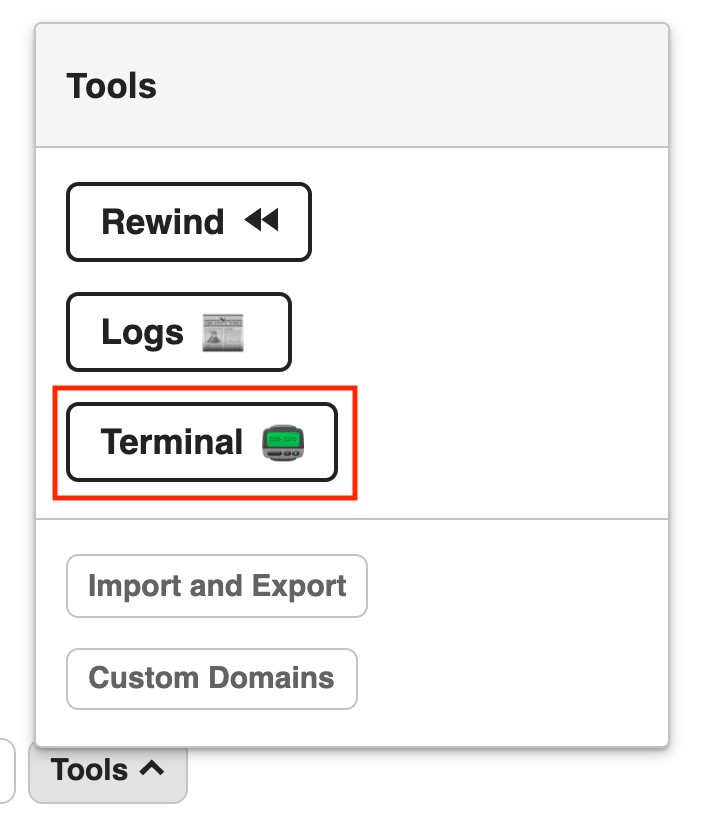
Open up the Terminal by going to Tools > Terminal
-
Paste these commands into the terminal one by one:
rm -R *
wget -O codemulti.zip REPLACE_WITH_YOUR_ZIP_ASSET_URL
unzip -j codemulti.zip "*.html" "*.css" "*.js" "*.json"; rm -r -f ._*; rm .gitignore; rm .env; mkdir public/; mv script.js public/; mv style.css public/; refresh